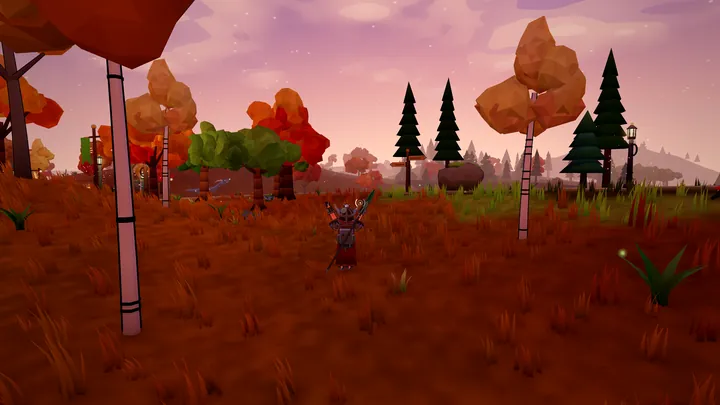
Action camera, on by default. The camera now follows your mouse without holding a button, and you aim with the reticle in the middle of the screen. Left click attacks, right click blocks, the mouse wheel zooms.
The cursor comes back when you need it. Opening any window, panel, menu, dialogue, context menu or the chat frees the cursor, and closing it puts you straight back into the action camera. Hold Alt to free the cursor for a moment (click the hotbar, drag items, click a player), and let go to carry on. Press the backtick key (left of 1) to keep the cursor free until you press it again.
E acts on what you look at. Put the reticle on an NPC, a tree or rock, a crafting station, a portal or loot and press E: the prompt names it and you walk over if needed. With nothing under the reticle, E uses whatever is nearest, as before.
Alt + right click on a player opens the player menu, even in combat stance.
Esc in the action camera cancels a cast or a ground-spell preview, otherwise it opens the game menu. If your browser asks for it, a small "Click to resume mouse-look" note appears: click the world (it will not swing) or press any key.
Settings > Controls: switch the action camera off to get the classic camera back exactly as it was, and choose the free-cursor key (Alt, Caps Lock or Mouse 4). Mouse sensitivity and invert-Y stay under Gameplay.
Changed
In the action camera the satchel no longer starts open when you enter the world (press I to open it).